Raw HTML
How to use raw HTML strings to generate images
Overview
Sometimes you might prefer using standard HTML files over Svelte components—perhaps for performance, portability, or to decouple the design from the framework.
Prerequisites
Ensure, Vite/Rollup Plugin configuration as described in the Getting Started.
Guide
This guide shows the most basic functionality: rendering a static image directly from an HTML string, without Svelte components.
HTML Template
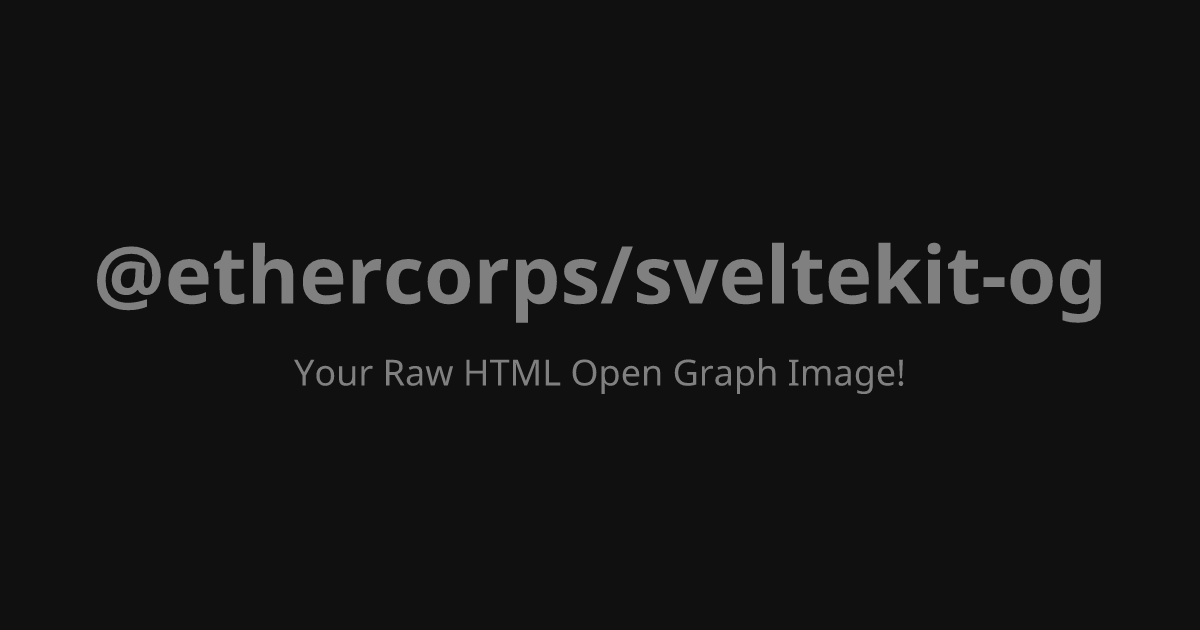
Define the HTML string directly in +server.ts file. Remember to use inline styles or utility classes, as the image renderer does not process external CSS files.
		const htmlString = `
<div style="display: flex; flex-direction: column; justify-content: center; align-items: center; width: 100%; height: 100%; background-color: #101011;">
	<h1 style="color: gray; font-size: 80px; margin: 0;">@ethercorps/sveltekit-og</h1>
	<p style="color: gray; font-size: 36px; margin-top: 20px;">Your Raw HTML Open Graph Image!</p>
</div>
`;
API Route
The key difference here is that you pass the string as the first argument to ImageResponse. The third argument (for Svelte component props) is not used.
		import { ImageResponse } from '@ethercorps/sveltekit-og';
import type { RequestHandler } from '@sveltejs/kit';

// This is optional, use it if you want to generate OG image at build time.
export const prerender = true;

// The static HTML content
const htmlString = `
<div style="display: flex; flex-direction: column; justify-content: center; align-items: center; width: 100%; height: 100%; background-color: #101011;">
	<h1 style="color: gray; font-size: 80px; margin: 0;">@ethercorps/sveltekit-og</h1>
	<p style="color: gray; font-size: 36px; margin-top: 20px;">Your Raw HTML Open Graph Image!</p>
</div>
`;

export const GET: RequestHandler = async () => {
	return new ImageResponse(
		htmlString, // ⬅️ Pass the HTML string here
		{
			width: 1200,
			height: 630
		}
	);
};
Preview
Visit the URL corresponding to route in browser (e.g. http://localhost:5173/images/raw-html.png).
Next Steps
- Dynamic Data: To inject dynamic data (e.g., a post title) into your HTML string, you will need to use
JavaScriptstring replacement or a dedicated templating engine before passing the string toImageResponse. - Types Reference: For a full overview of all options and parameters for
ImageResponse, see Types reference guide. - Local Assets: To include local images or other assets in OG images, see Local Assets guide.
- Custom Fonts: To use fonts other than the default, see Fonts guide for detailed instructions.