Netlify
How to use Sveltekit OG with netlify adapter (@sveltejs/adapter-netlify)
This section details the configuration needed to use SvelteKit OG with the Netlify Adapter (@sveltejs/adapter-netlify), targeting the Netlify Functions environment (which uses Node.js).
Netlify Functions, similar to Vercel Serverless Functions, are a Node.js-based environment that generally supports the Wasm module dependencies required by the image generation engine. However, the SvelteKit OG plugins ensure the Wasm files are correctly bundled and available within the function context.
Installation
First, ensure you have the Netlify adapter installed:
pnpm i -D @sveltejs/adapter-netlify
npm i -D @sveltejs/adapter-netlify
yarn add -D @sveltejs/adapter-netlify
bun add -D @sveltejs/adapter-netlify
deno add --dev npm:@sveltejs/adapter-netlify
In your svelte.config.js, configure the adapter:
		import adapter from '@sveltejs/adapter-netlify';

const config = {
	 ...,
    kit: {
        adapter: adapter()
    },
    ...
};
export default config;
Plugin Configuration
The image generation uses the @resvg/resvg-wasm, satori, yoga, which relies on a Wasm module. The official SvelteKit OG plugins handle the complex Wasm bundling required for the build/runtime. You must choose one of the following plugins based on your sveltekit-og version.
Vite Plugin (Recommended)
Warning
Vite plugin is available from sveltekit-og@v4.1.0. If you are using v4.0.0 use Rollup plugin.
If you add the plugin while the dev server is running, you might see no generated image. Stop the server and re-start it.
Add the sveltekitOG plugin to your vite.config.ts.
		import { sveltekit } from '@sveltejs/kit/vite';
import { sveltekitOG } from '@ethercorps/sveltekit-og/plugin';
import { defineConfig } from 'vite';

const config = defineConfig({
	plugins: [
		sveltekit(),
		sveltekitOG() // Add the Vite plugin
	]
});

export default config;
Netlify adapter v6 (esbuild)
@sveltejs/adapter-netlify@6 bundles your functions with esbuild, which has no loader for the standalone .wasm chunks the plugin normally emits — so the build fails with:
✘ [ERROR] No loader is configured for ".wasm" files
Fix it by inlining the Wasm as base64 instead of emitting separate .wasm files — pass esmImport: false to the plugin:
		import { sveltekit } from '@sveltejs/kit/vite';
import { rollupWasm } from '@ethercorps/sveltekit-og/plugin';
import { defineConfig } from 'vite';

export default defineConfig({
	plugins: [sveltekit()],
	build: {
		rollupOptions: {
			// base64-inline the Wasm so esbuild never sees a .wasm import
			plugins: [rollupWasm({ esmImport: false })]
		}
	}
});
esmImport: false also works on the Vite-plugin form: sveltekitOG({ esmImport: false }). The Wasm is embedded directly in the JavaScript bundle, so esbuild has nothing to resolve. This makes the bundle a little larger but builds cleanly on Netlify Functions v6.
Rollup Plugin (Legacy)
Deprecation
Add the rollupWasm plugin inside the rollupOptions block in your vite.config.ts.
		import { sveltekit } from '@sveltejs/kit/vite';
import { rollupWasm } from '@ethercorps/sveltekit-og/plugin';
import { defineConfig } from 'vite';

const config = defineConfig({
	plugins: [sveltekit()],
	build: {
		rollupOptions: {
			// Add rollupWasm plugin for Cloudflare compatibility
			plugins: [rollupWasm()]
		}
	}
});

export default config;
Usage
Once configured, the usage remains the same as any other SvelteKit environment.
Svelte Components: Refer to the Svelte Component usage.
Raw HTML: Refer to the Raw HTML section for usage with string templates.
Preview
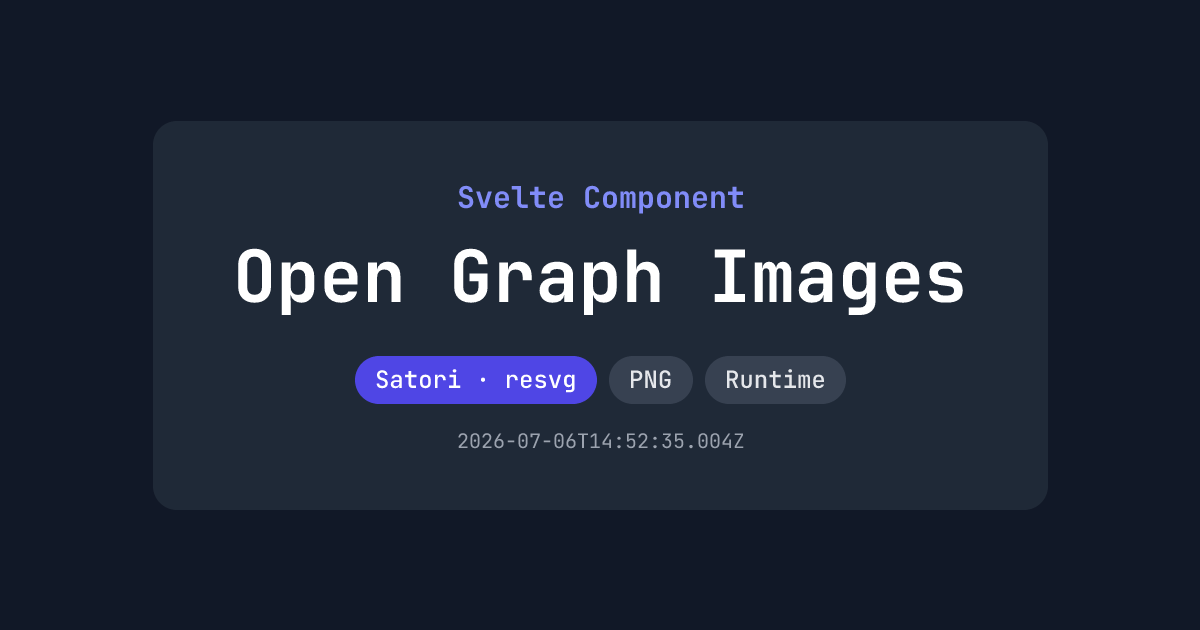
Source: https://github.com/etherCorps/sveltekit-og/tree/main/examples/netlify-build
Live: https://netlify.sveltekit-og.dev/
Known Issues
Netlify throws error when we use vite url imports
import imagePath from '$lib/assets/large_image.jpg?url';