Vercel
How to use Sveltekit OG with the vercel adapter (@sveltejs/adapter-vercel)
This section details the configuration needed to use SvelteKit OG with the Vercel Adapter (@sveltejs/adapter-vercel), targeting the Vercel Edge Runtime or Serverless Functions (Node).
Installation
First, ensure you have the Vercel adapter installed:
pnpm i -D @sveltejs/adapter-vercel
npm i -D @sveltejs/adapter-vercel
yarn add -D @sveltejs/adapter-vercel
bun add -D @sveltejs/adapter-vercel
deno add --dev npm:@sveltejs/adapter-vercel
In your svelte.config.js, configure the adapter:
		import adapter from '@sveltejs/adapter-vercel';

const config = {
	 ...,
    kit: {
        adapter: adapter()
    },
    ...
};
export default config;
Plugin Configuration
The image generation uses the @resvg/resvg-wasm, satori, yoga, which relies on a Wasm module. The official SvelteKit OG plugins handle the complex Wasm bundling required for the runtime. You must choose one of the following plugins based on your sveltekit-og version.
Vite Plugin (Recommended)
Warning
Vite plugin is available from sveltekit-og@v4.1.0. If you are using v4.0.0 use Rollup plugin.
If you add the plugin while the dev server is running, you might see no generated image. Stop the server and re-start it.
Add the sveltekitOG plugin to your vite.config.ts.
		import { sveltekit } from '@sveltejs/kit/vite';
import { sveltekitOG } from '@ethercorps/sveltekit-og/plugin';
import { defineConfig } from 'vite';

const config = defineConfig({
	plugins: [
		sveltekit(),
		sveltekitOG() // Add the Vite plugin
	]
});

export default config;
Rollup Plugin (Legacy)
Deprecation
Add the rollupWasm plugin inside the rollupOptions block in your vite.config.ts.
		import { sveltekit } from '@sveltejs/kit/vite';
import { rollupWasm } from '@ethercorps/sveltekit-og/plugin';
import { defineConfig } from 'vite';

const config = defineConfig({
	plugins: [sveltekit()],
	build: {
		rollupOptions: {
			// Add rollupWasm plugin for Cloudflare compatibility
			plugins: [rollupWasm()]
		}
	}
});

export default config;
Edge and Serverless Split
The SvelteKit Vercel adapter supports specifying the runtime on a per-route basis. This is highly recommended to isolate your computationally intensive OG image route into the smaller, faster Edge or Fluid Runtime, while keeping other APIs on the larger, more flexible Serverless (Node) runtime.
You can achieve this by adding a +server.ts configuration file alongside your OG image route.
Edge
This route runs on the Edge Runtime:
		// 1. Specify the runtime for this route
export const config = {
	runtime: 'edge', // Use the Vercel Edge Runtime
	split: true // Recommended to ensure isolation
};

import { ImageResponse } from '@ethercorps/sveltekit-og';
import type { RequestHandler } from './$types';

export const GET: RequestHandler = async () => {
	// Your standard ImageResponse logic here
	return new ImageResponse(/* ... */);
};
Edge Function Size Limit
When targeting the Edge Runtime (via export const config = { runtime: 'edge' }), your entire function size, including all dependencies (like the Satori Wasm module and fonts), must be under the 1MB limit. Using many custom fonts or large components can easily exceed this size, resulting in deployment failure.
Serverless (Node) Runtime
		// No 'config' export means it defaults to the Node Serverless Function. You can use split config here too.
import type { RequestHandler } from './$types';
import { ImageResponse } from '@ethercorps/sveltekit-og';

export const GET: RequestHandler = async () => {
	return new ImageResponse(/* ... */);
};
Usage
Once configured, the usage remains the same as any other SvelteKit environment.
Svelte Components: Refer to the Svelte Component usage.
Raw HTML: Refer to the Raw HTML section for usage with string templates.
Preview
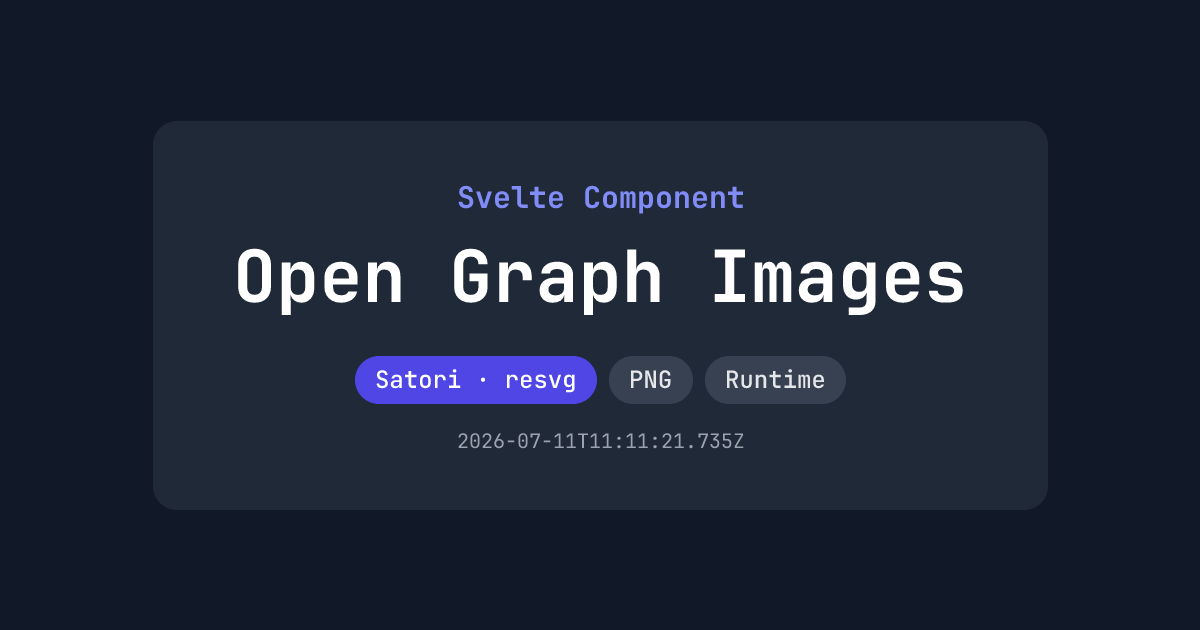
Source: https://github.com/etherCorps/sveltekit-og/tree/main/examples/vercel-build
Live: https://vercel.sveltekit-og.dev/